
Workflows
Move-ins, resales and workflows in Pluss
Each move-in, resale or complaint runs in one record. Every step has an owner, tasks and due dates, and the resident or family follows it in the app.
The resales tour, 2:05. It uses a demo village with dummy data.

Resales in Australia
Resale times and payout deadlines
In Australia, resales took 225 days on average in 2025, from vacant possession to settlement. In WA, in SA and for new Victorian contracts, the exit payout deadline is now about 12 months.
Average resale in 2025 across villages, from vacant possession to settlement.
Exit payout deadline in Western Australia, from 1 September 2026.
Exit payout deadline in Victoria, for contracts signed from 1 May 2026.
Exit payout deadline in South Australia, plus 30 business days.
Sources: 2025 PwC and Retirement Living Council census, Consumer Protection WA, Consumer Affairs Victoria operator Q&A, Cowell Clarke on the SA Act. New Zealand resale times are on the move-ins and resales page.
How it works
How a workflow runs in Pluss
Each workflow is set up once, then run for each resident.
Set it up once
Name each stage, then add its tasks, timers, reminders and documents.
Start a run
Staff start the workflow for a resident, such as a move-in or a complaint.
Work the tasks
Each task has an owner and a due date. Every tick is dated and named.
The resident follows it
The resident or family sees each stage in the app and reads their documents there.
Keep the record
The history shows every task, timer and change, with who did it and when.
Every stage name is editable, and so is the name of the screen residents see. Statutory clocks are set for each community.
The workflows
Workflows in Pluss
Resales
Resales, from notice to payout
Pluss runs each resale in one record. Recording a resident's notice starts the notice period clock.
- Each of the eight steps has an owner, tasks and due dates.
- The family follows the same steps in your village's app.
- Pluss can connect to your finance system.
Notice periods, disclosure and payout deadlines differ from state to state. Statutory clocks are set for each community.
Pluss keeps the record of each step, with who did it and when.
The resales tour plays at the top of this page.
Move-ins
Move-ins, from enquiry to move-in day
Pluss runs each move-in in one record. Your team sees who owns each step and when it's due.
- The new resident follows the same steps in your village's app.
- Residents read their documents in the app.
- With DocuSign connected, documents go out for signature from Pluss.
The move-ins tour, 1:57.

Land lease
Move-ins and resales for land lease communities
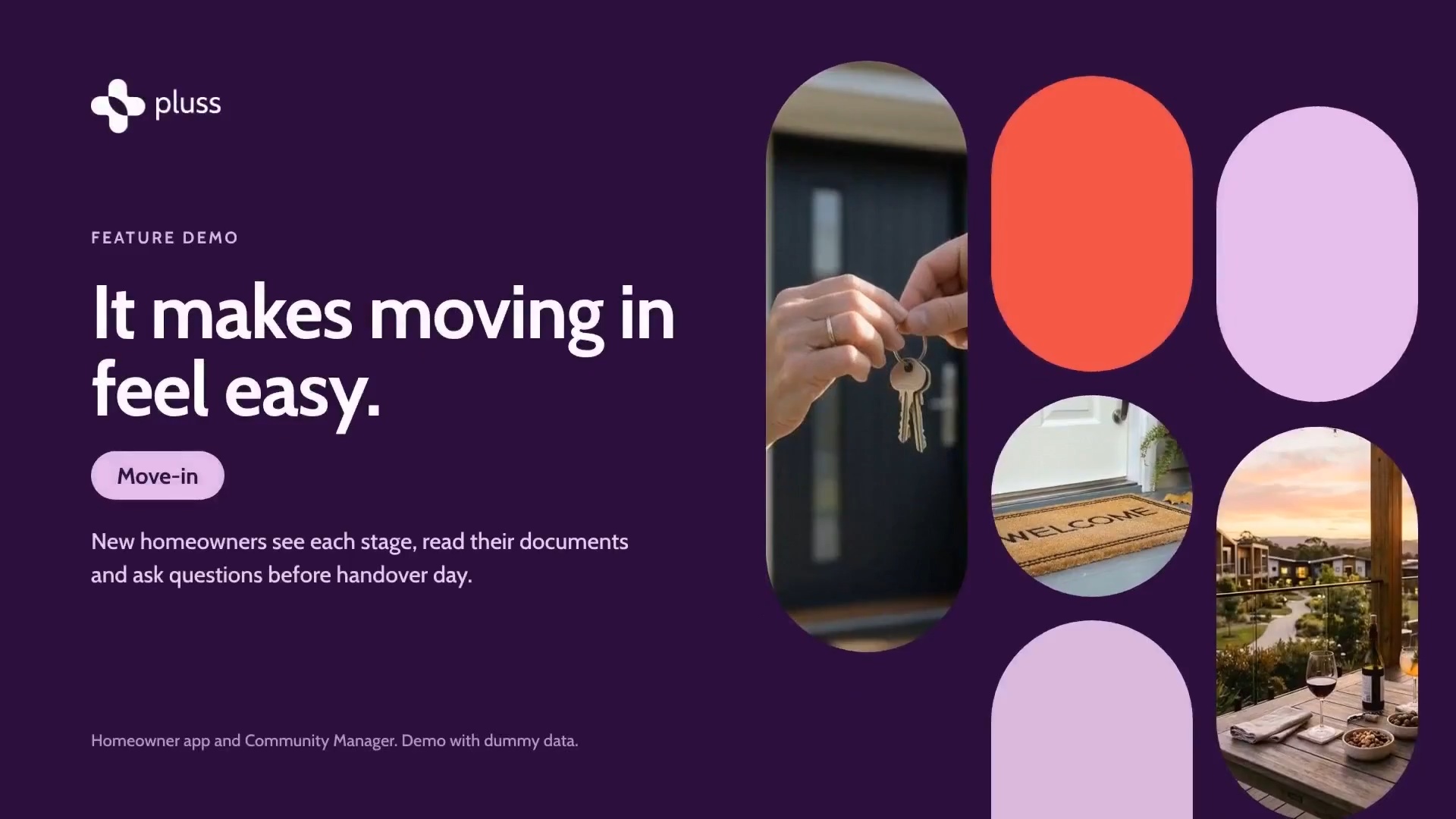
New homeowners see each stage, read their documents and ask questions before handover day.
For resales, the steps follow Queensland's reply, disclosure and cooling off periods.
See land lease resales in Pluss
The land lease move-ins tour, 1:56.
Complaints
Complaints, on the clock
A complaint workflow sets your policy out as steps, timers and reminders that run the same way every time.
- Staff start the workflow when a complaint comes in through Feedback.
- Timers can count working days.
- If the resident isn't satisfied, the next task goes to a senior manager.
The complaints tour, 2:14. The timers on screen are example values.
Memos
Official memos, with a record
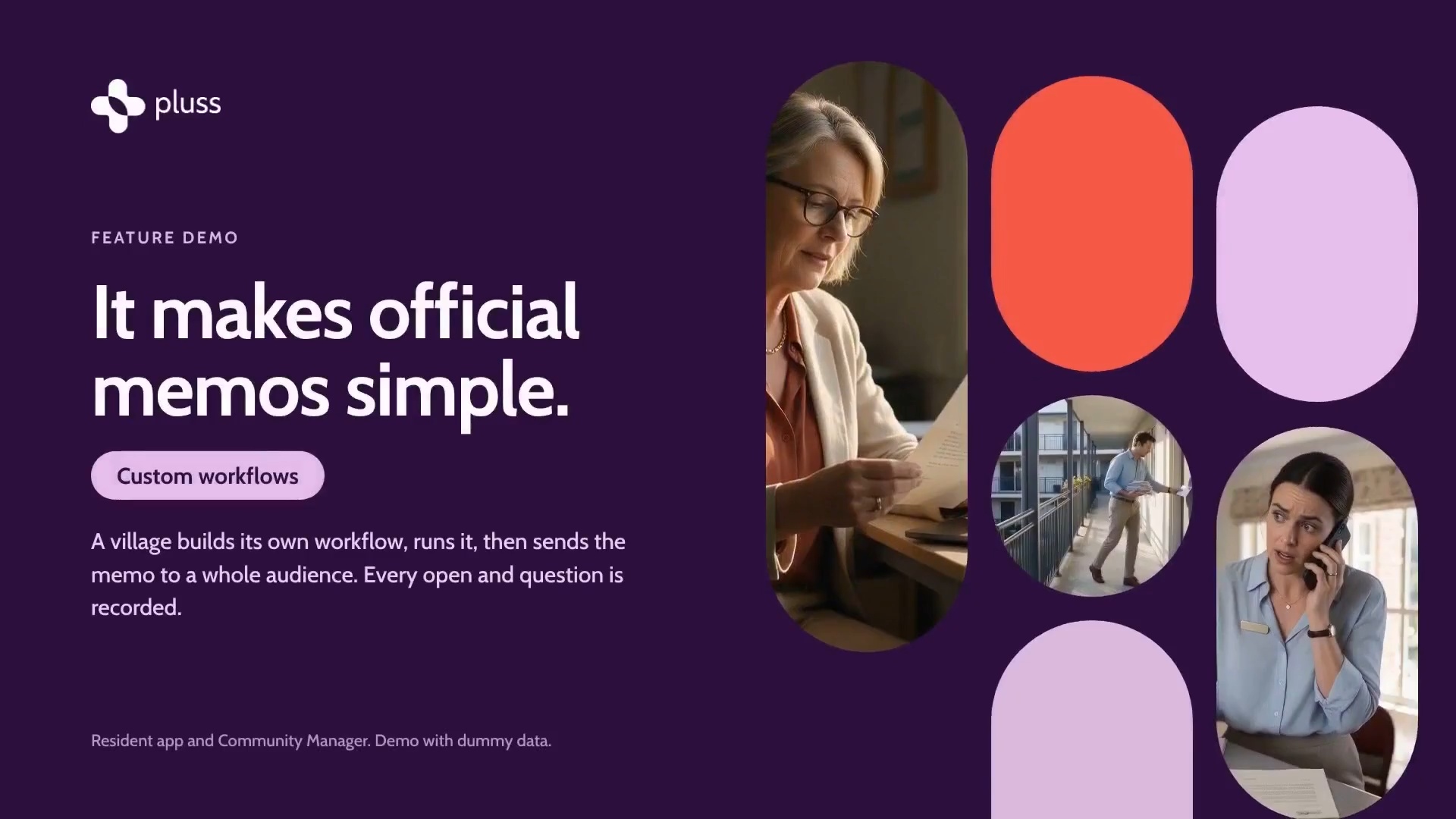
A village builds its own workflow for an official memo, then sends the memo to a whole audience in one send.
- A timer runs to the due date, with a reminder before it's due.
- Each step can send a message to staff as it starts.
- Every open and every question is recorded, and staff answer questions in the app.
The memos tour, 2:12.
In the workflow builder
- Move-in pipelines
- Exit pipelines
- Pipeline settings
- Waitlist
- Document library
- Envelopes
- Custom workflows
- Workflow runs
- Audit log
- Status map in the app
Pluss doesn't make a village or community compliant. It keeps the record your team needs to show what was done, and when.
Pricing
How Pluss is priced
Pluss is priced per property: each apartment, villa or unit in a village, each home in a land lease community and each room in an aged care home. There is no charge for staff or family users.
Every feature is included. There are no feature tiers and no fee per login. Pluss HQ is an add-on for operators with several communities.
Questions
Questions about workflows in Pluss
Can we use our own stage names?
Yes. Every stage name is editable, and so is the name of the screen residents see. Each workflow can match your own process.
Can families follow a move-in or a resale?
Yes. Family members linked to the resident see the workflow's progress in the app.
Do the clocks follow our state's rules?
Statutory clocks are set for each community, so they follow the rules where that community is. Recording a resident's notice starts the notice period clock.
Does Pluss make us compliant?
No. Your team stays responsible for meeting the law in your state or country. Pluss keeps the record of each step, task, document and date.
Can residents sign documents in Pluss?
With DocuSign connected, documents go out for signature from Pluss. Residents read their documents in the app.
Can we build workflows for other jobs?
Yes. You can build custom workflows for jobs such as complaints and official memos. Each one is set up once, then run for each resident or audience.
Book a 30 minute demo
See how a resale runs from notice to payout, and how a move-in runs from enquiry to move-in day.