
Bookings and payments
Bookings and payments in Pluss
Residents book rooms, courts and services in the app, and pay by card. Staff set when each one is open, approve requests and see every booking in one list.
Events have their own page: events and activities.
Facilities
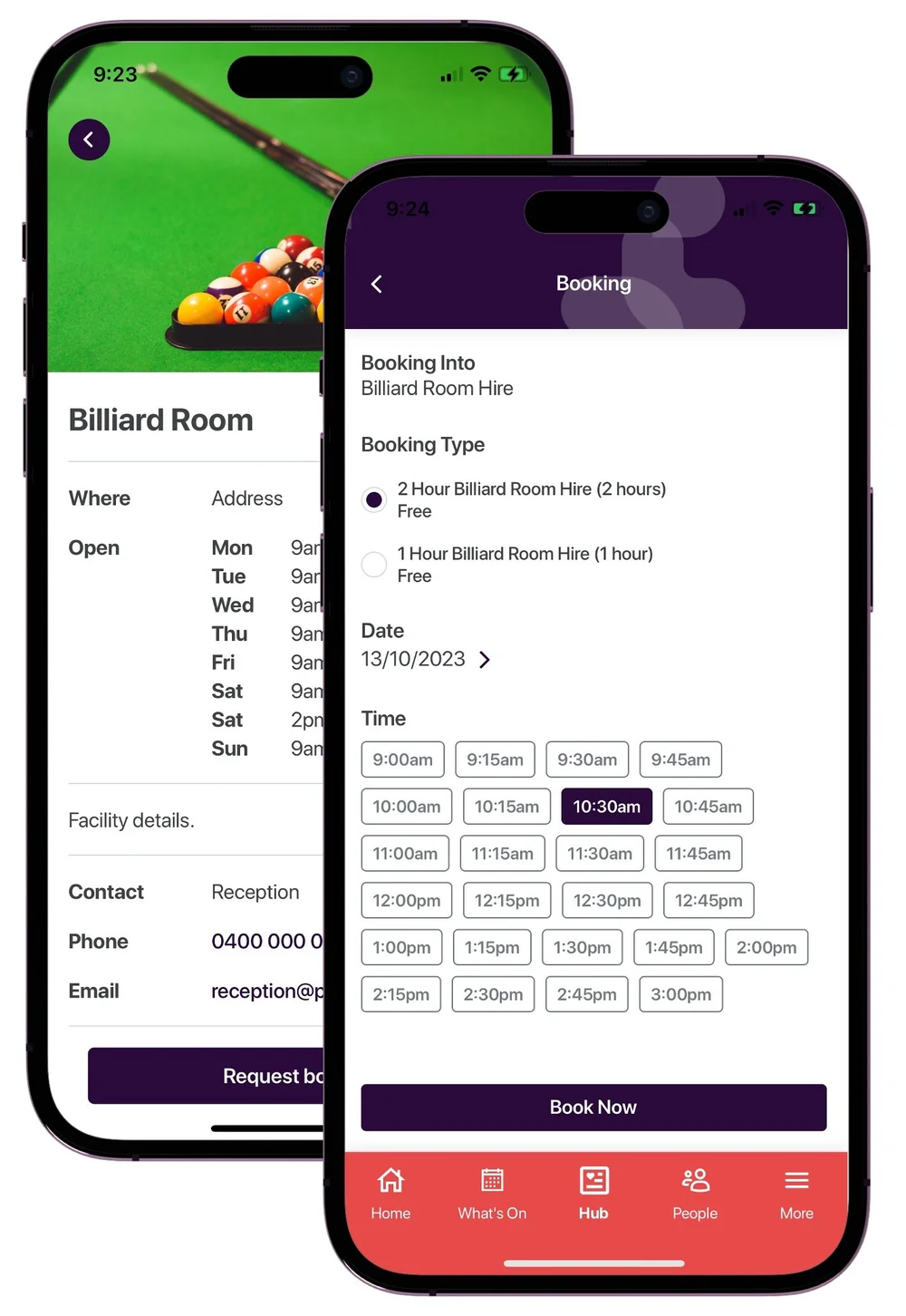
Rooms, courts and equipment
Set up each bookable facility once, with its opening hours, a photo and a contact person.
- Give each booking type a price, a cancellation policy and reminders.
- Choose whether staff confirm each booking, and whether residents can cancel their own.
- Block out times, such as a room closed for cleaning, so the app shows it as unavailable.
- Email staff when a booking comes in, and send the resident a confirmation.
- Staff book on behalf of a resident who calls or comes to the desk.
- See every booking in one list, filtered by date, calendar, booking type or person.
Residents book a facility from the app and manage their own bookings there.
They can add a booking to their phone calendar, and they get the reminders you set.
Services
Services from your team and local providers
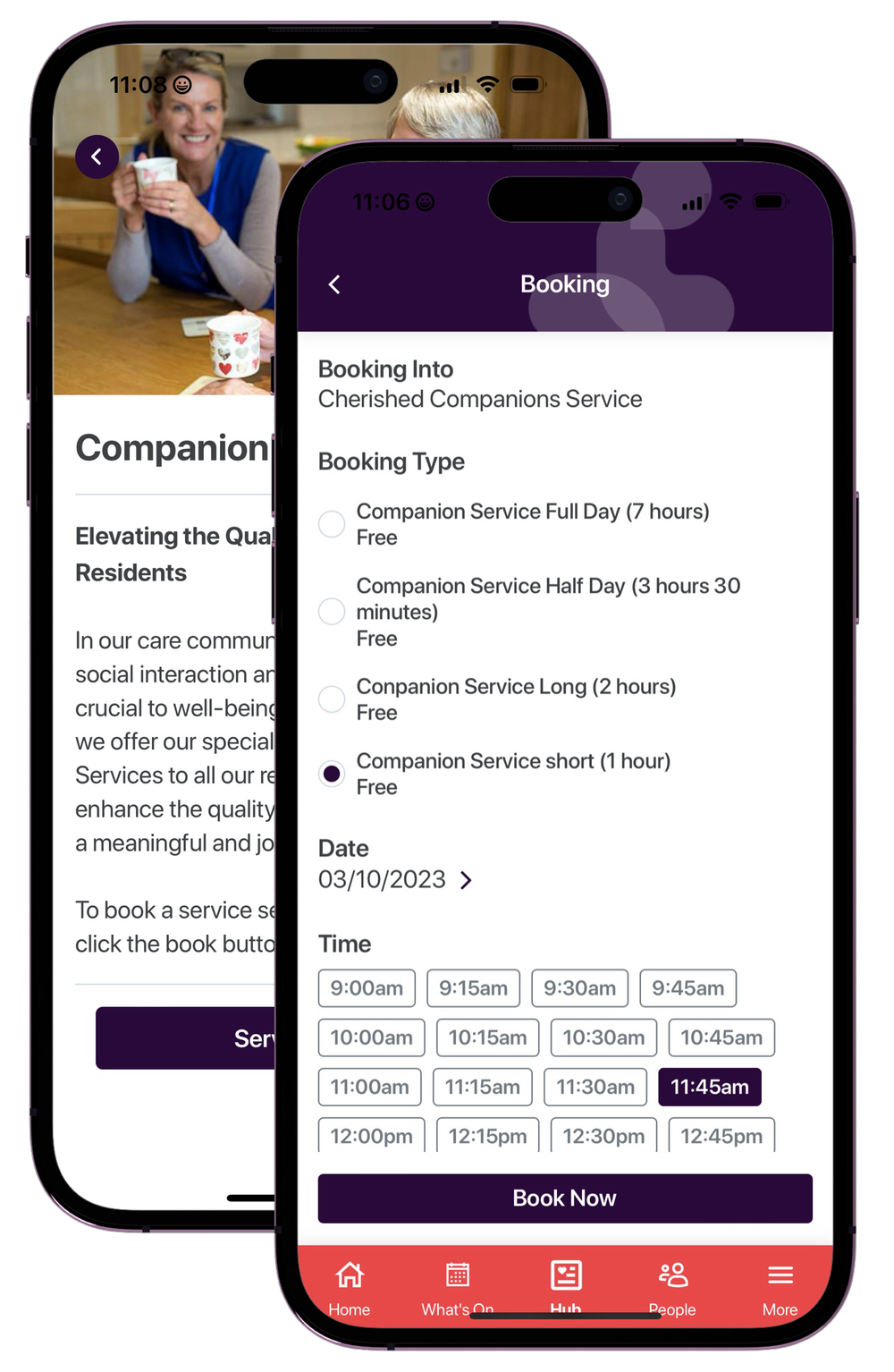
List services from your own team or from outside providers. Residents and families book and pay in the app.
- Each service shows who provides it, when it's available and its price range.
- Take bookings in the app, send people to an outside booking link, or use a request form that emails the provider.
- Sponsored services appear at the top of the list.
- Connected accounts split each payment between you and an outside provider.
- Families can book time with your team, such as a care plan review.
Payments, offers and trading
Payments, offers and buy, swap, sell
Residents pay by credit or debit card, Apple Pay or Google Pay for events, facilities and services.
When staff cancel a paid event booking, the resident is refunded automatically.
Share offers from local businesses, with a voucher number, terms and a booking link.
Choose who sees each offer. Add sponsors, and link offers to events.
Residents post items to sell or swap, with photos, a description and a price.
Other residents ask questions in the comments.
Front desk
Visitors, contractors, keys and cards
A kiosk for visitors and contractors
- Visitors and contractors sign in at a kiosk, and get a text with their sign out code.
- Set up sign in forms to match your entry rules.
- Download the list of everyone on site for the day.
- Guests can scan a QR code to use the same screens on their own phone.
A register for every key and card
- Assign each key or card to a resident, a staff member or a contractor.
- Record when it comes back.
- See the history of who has had it.
Communities use Pluss in Australia and New Zealand.
People use the Pluss app.
Median share of residents active each month, across 21 communities.
ISO27001:2022 certified, with data hosted in Australia.
Pricing
How Pluss is priced
Pluss is priced per property: each apartment, villa or unit in a village, each home in a land lease community and each room in an aged care home. There is no charge for staff or family users.
Every feature is included. There are no feature tiers and no fee per login. Pluss HQ is an add-on for operators with several communities.
Questions
Questions about bookings and payments
Can staff approve bookings first?
Yes. Each booking calendar can be set so staff confirm a booking after it's requested.
Can we close a room for a day?
Yes. Block out the times it's closed. The facility then shows as unavailable for those times in the app.
How do residents pay?
By credit or debit card, Apple Pay or Google Pay, in the app.
Can outside providers take bookings through Pluss?
Yes. List them as a service. Connected accounts can split each payment between you and the provider.
Can residents cancel their own bookings?
If you allow it for that calendar. Each booking type carries its own cancellation policy.
Are bookings and payments an extra cost?
No. Bookings, payments and offers are in the per property fee, with every other feature.
Book a 30 minute demo
See how a resident books a room or a service and pays for it in the app.