
Maintenance and requests
Maintenance requests in Pluss
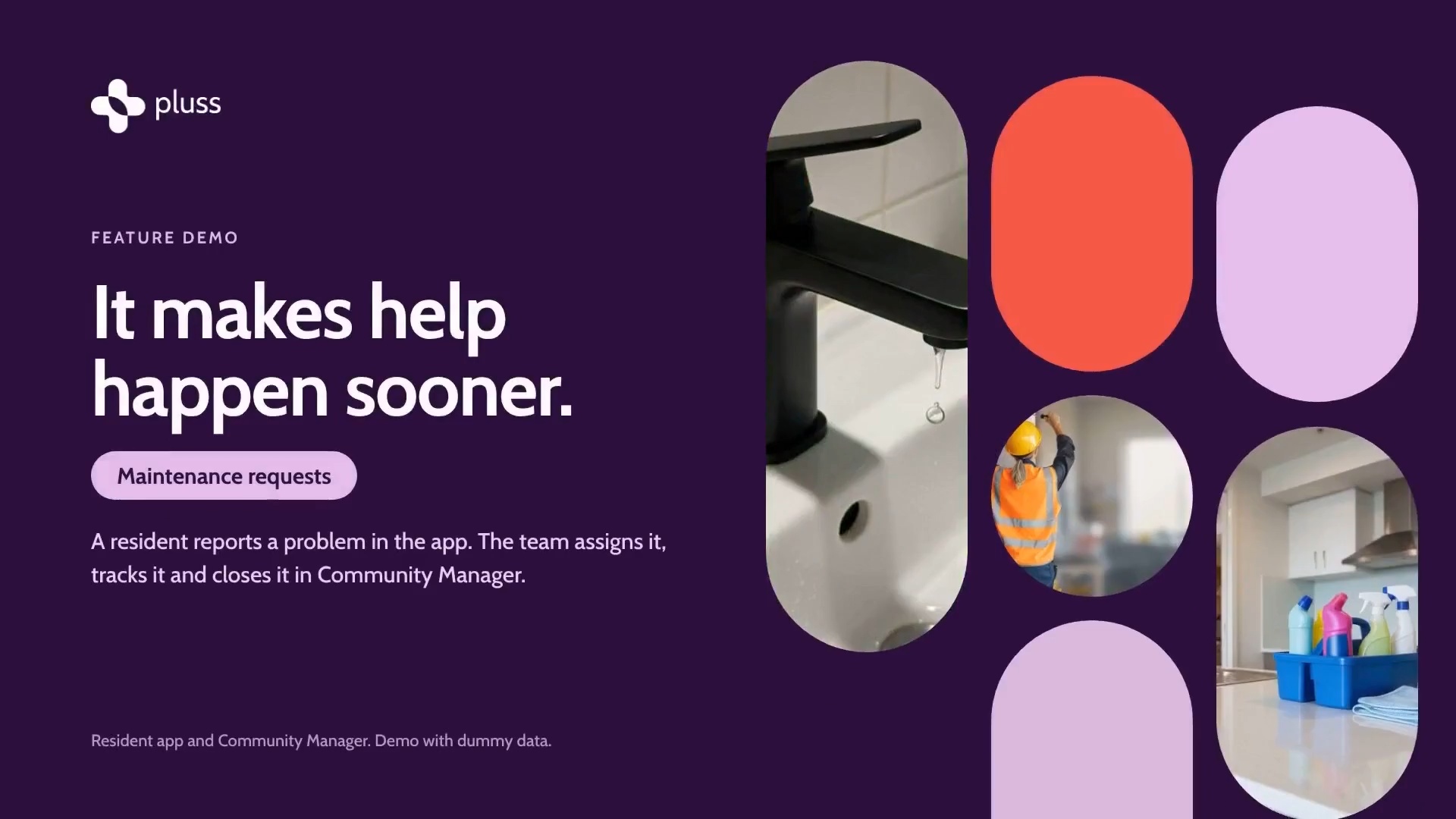
A resident reports a problem in the app, with a photo. Staff assign it, message the resident and track the job until it's closed.
The 2 minute tour, 1:53. It uses a demo village with dummy data.
“Since introducing the app, we haven’t received a single handwritten maintenance request. We don’t ever lose track of an outstanding job now.”
Handwritten maintenance requests at TriCare since the app launched.
Today and in Pluss
A maintenance request today and in Pluss
A resident mentions a leaking tap at the front desk, on a note, or to whoever she sees first.
She reports it in the app, with a photo and the times she'll be home.
Requests pile up as paper forms and emails.
Every request sits in one list in Community Manager, by status and by who has it.
Nobody can tell her when someone is coming, so she rings again on Thursday.
She gets a notification each time the job is updated, and she replies in the app.
The tradesperson arrives with no photo of the problem.
Her photo and her description travel with the request.
For residents
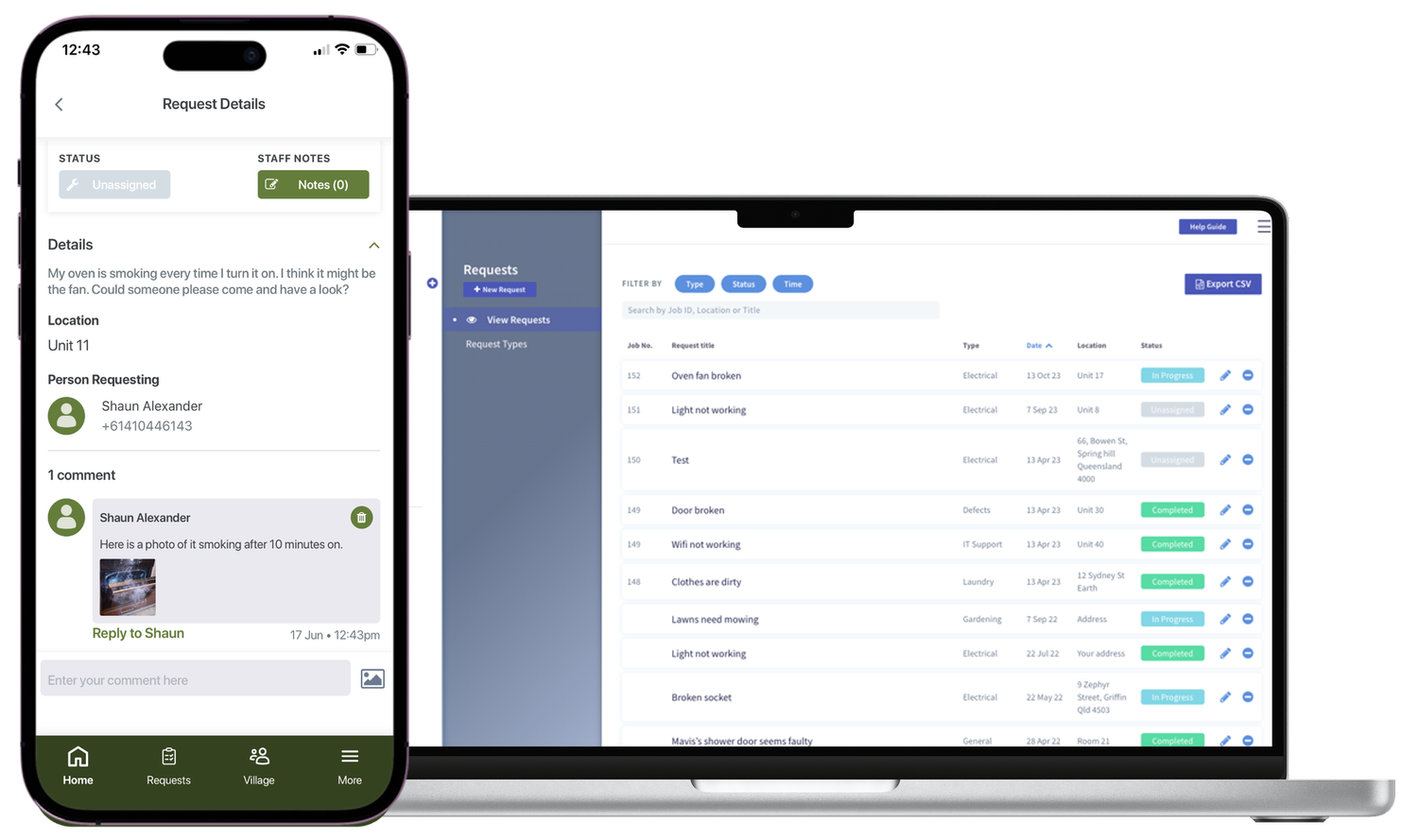
Residents log requests in the app
Residents tap the plus button, choose Request and pick the type of job.
- Add a title, a description and a photo.
- Say whether they need to be home, and when.
- See each request's status: unassigned, in progress or completed.
- Reply to a staff message from the notification, or under More, then Requests.
For staff
Staff assign and track each job
Every request lands in one list in Community Manager. Staff can work it from a computer or their phone.
- Assign a request to a team member, who gets a notification in the app.
- Set a priority, add notes only staff can see, and message the resident.
- Log a request for a resident who calls or comes to the desk.
- Set some staff to see only the jobs assigned to them.
- The My Day page shows each staff member the day's activities, tasks and maintenance requests.
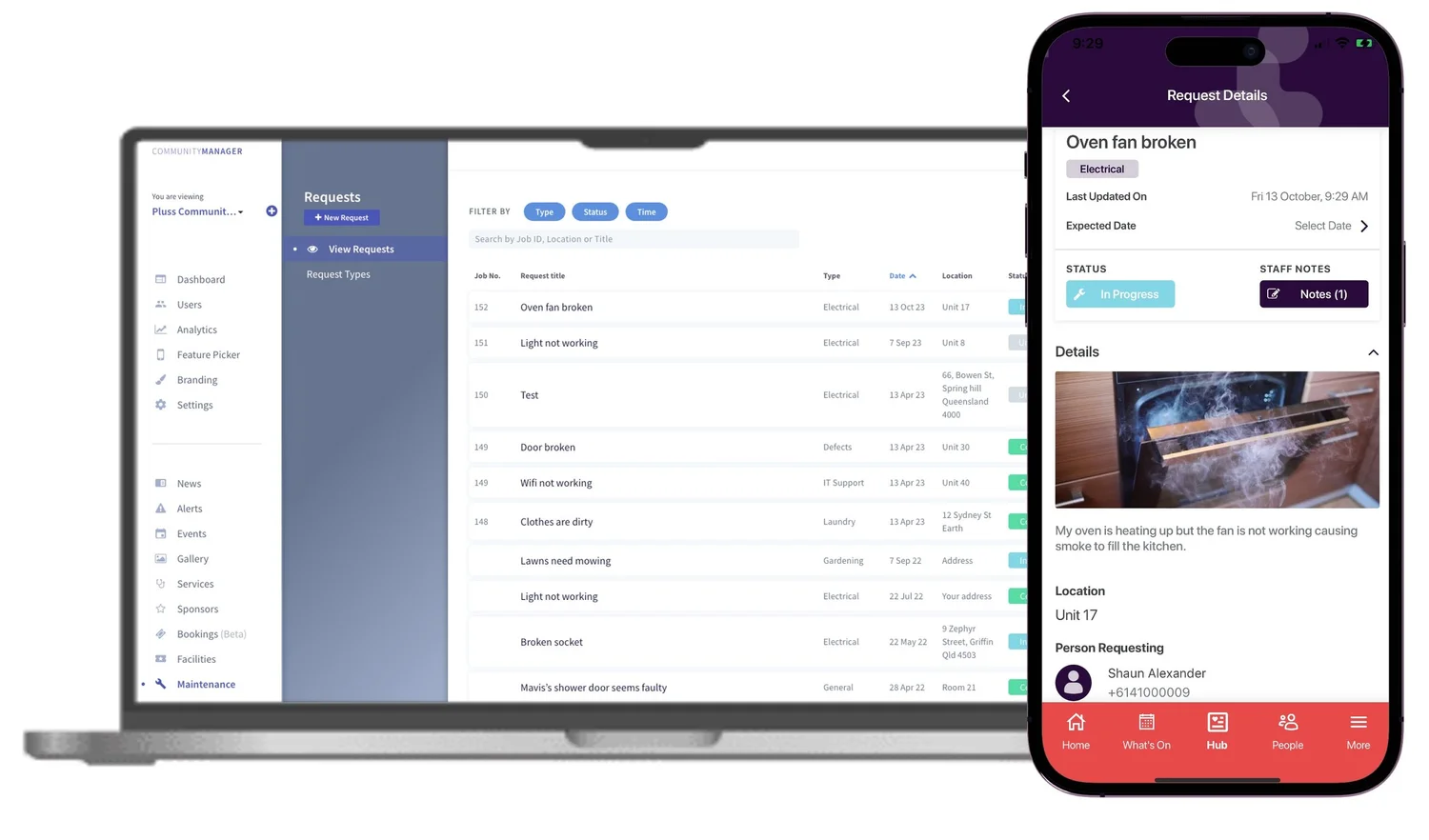
Set up types such as gardening, electrical or IT support. Each type emails the people you choose when a request comes in.
A type can carry its own form fields, so it works for more than maintenance.
Residents and staff log building defects in the app, with a photo.
Staff assign each defect to a contractor and track it on the same dashboard.
Build a form with your own fields. Each submission emails the people you choose.
Staff assign and track each one, and residents see the status of their own.
Feedback and complaints
Feedback and complaints in Pluss
Residents lodge feedback or a complaint in the app, and can attach documents. Staff assign it and message the resident, and the resident follows its status.
For complaints, a custom workflow sets your policy out as steps, tasks and timers. Each complaint then runs the same way, and the history shows who did what, and when.
- Staff start the complaint workflow for a resident.
- Timers can count working days, with reminders before each one is due.
- If the resident isn't satisfied, the next task goes to a senior manager.
The 2 minute complaints tour, 2:14. The timers on screen are example values.
Pluss doesn't make a village compliant. It keeps the record your team needs to show what was done, and when.
Pricing
How Pluss is priced
Pluss is priced per property: each apartment, villa or unit in a village, each home in a land lease community and each room in an aged care home. There is no charge for staff or family users.
Every feature is included. There are no feature tiers and no fee per login. Pluss HQ is an add-on for operators with several communities.
Questions
Questions about maintenance in Pluss
Do residents need the app to log a request?
No. Staff can log a request for a resident who calls or comes to the desk. That resident still gets updates if they use the app.
Can a contractor get the request?
Yes. Each request type emails the people you choose when a request comes in, such as a contractor. Staff can assign defects to contractors.
Will residents know when someone is coming?
Residents get a notification each time staff update the job. Staff can message them about times, and residents reply in the app.
Does Pluss work with our asset management system?
Pluss connects to CRM and asset systems. The integrations page lists the 17 systems Pluss connects to today, and the Pluss API.
How are complaints handled?
Residents lodge a complaint in Feedback. Staff run it through a custom workflow with the steps, timers and reminders your policy sets. Your team stays responsible for meeting the rules.
Is maintenance an extra cost?
No. Maintenance, defects, feedback, forms and enquiries are all in the per property fee.
By type of community
Pluss for each type of community
Book a 30 minute demo
See a request go from the resident's phone to a closed job in Community Manager.