Village managers tell me the same thing. They are too busy. Admin and repeat jobs keep them at a desk, when they want more time with residents and more time running events and activities.
This post lists the jobs a retirement village team stops doing once residents use the Pluss app. Each one comes from what Pluss does today. Each job is small on its own.
Book a 30 minute demo to see events, maintenance requests and news in Pluss.
Book a demoRelated Choosing a resident app: a buyer's guide for operators
Events
Our events page follows the five jobs behind one village event.
The sign up sheet
Residents write their names on a clipboard in the foyer.
Residents book a spot in the app, and staff add phone bookings to the same list.
The ring around
The day before a bus trip, someone rings every name on the sheet to check they are still coming.
The attendance list shows the count and the spots left, and it moves as people book.
The change of plan
When the time changes, staff ring or email everyone who booked.
Staff click Send an alert to all attendees, and everyone booked gets the new details.
The kitchen list
Dietary needs go in the margin of the sheet, then get typed up again for the kitchen.
Residents enter them when they book, and the CSV export lists them for the caterers.
The cash tin
People pay on the day, so the money sits in a tin until someone banks it.
Residents pay by card in the app when they book.
Reminders go out at a set time, such as an hour before the event. Residents can add the event to their phone calendar too.
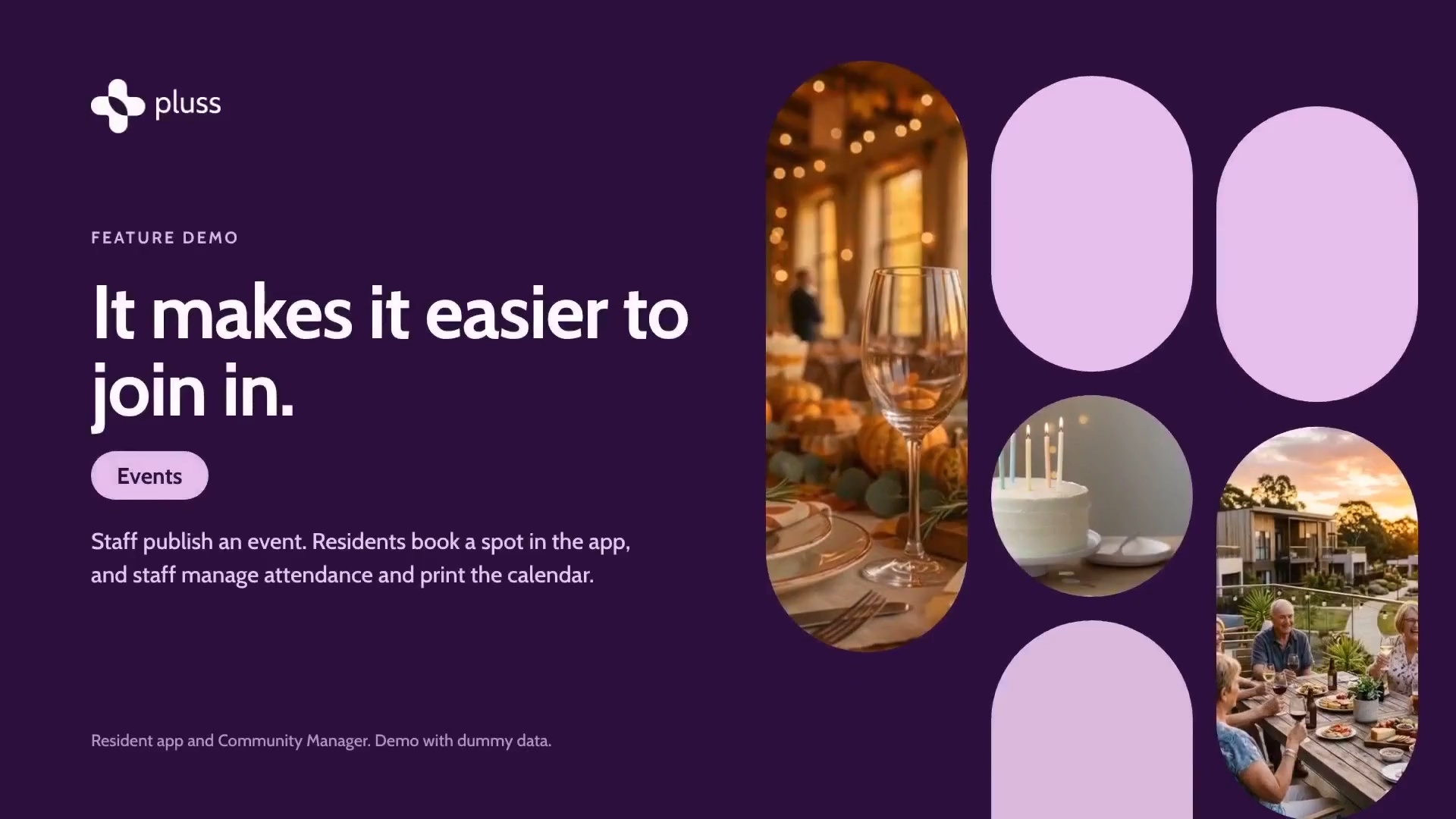
The Events tour, 2:23. It uses a demo village with dummy data.
Maintenance requests
A resident mentions a leaking tap at the front desk, on a note, or to whoever she sees first. Nobody can tell her when someone is coming, so she rings again on Thursday.
In Pluss, she reports it in the app with a photo and the times she will be home. Every request sits in one list in Community Manager, by status and by who has it. Staff assign the job to a team member, who gets a notification. The resident gets a notification each time the job is updated, and she can reply in the app. Her photo and description travel with the request.
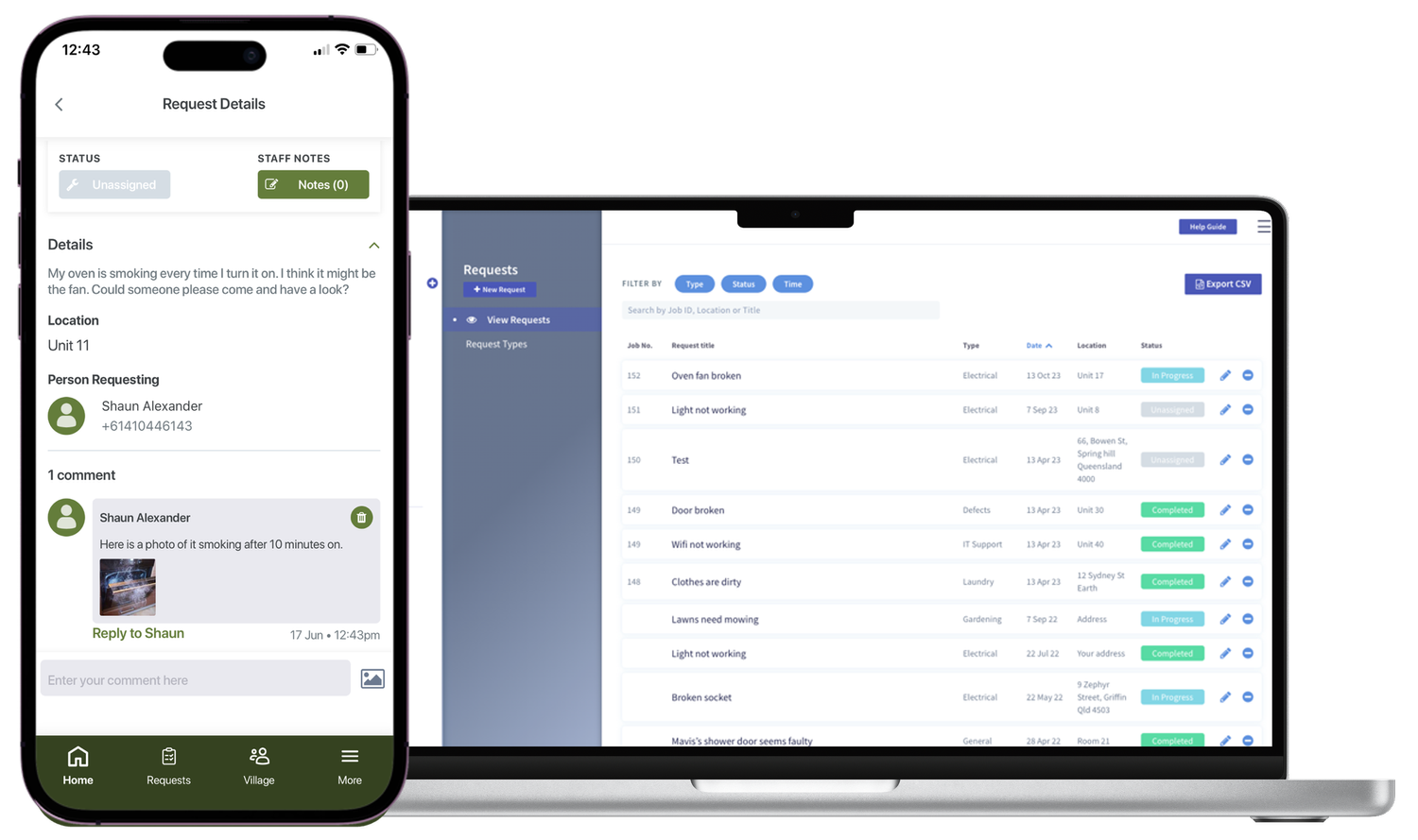
Staff can log a request for a resident who calls or comes to the desk. Some staff can be set to see only the jobs assigned to them.
Read next What each person does with a maintenance request in Pluss
News and alerts
Staff write a post once, in Community Manager or on their phone. It goes to residents' phones, and to the community TVs if staff choose. Pluss shows who has read it.
Staff can schedule a post for later, or load a story from a web link so they don't start from scratch. An urgent alert shows on the resident's lock screen with its heading, then opens in the app.
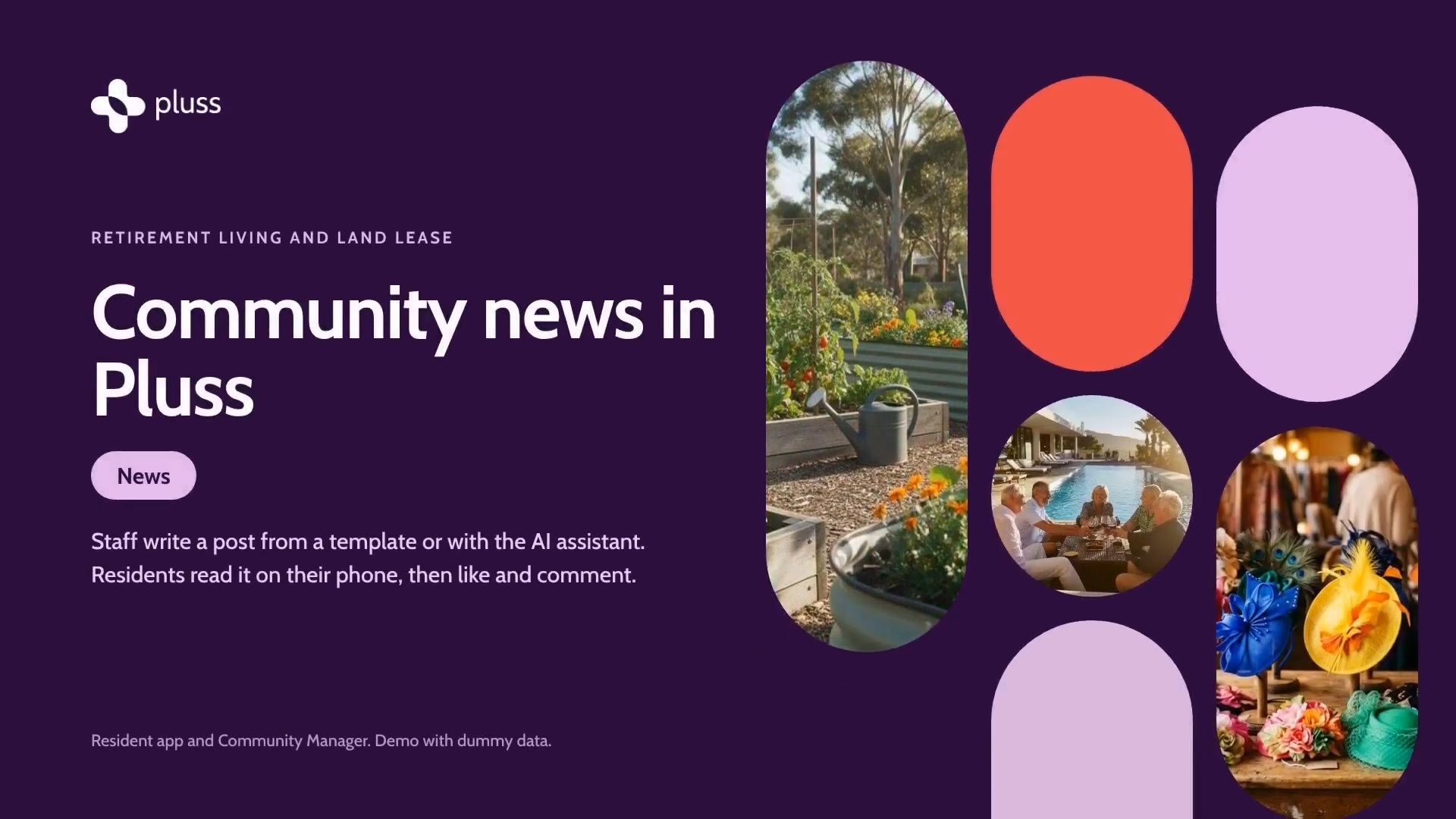
The News tour, 2:04, from our communication page. It uses a demo village with dummy data.
My Day
The My Day page shows each staff member the day's activities, tasks and maintenance requests on one screen.
Book a 30 minute demo to see events, maintenance requests and news in Pluss.
Book a demo